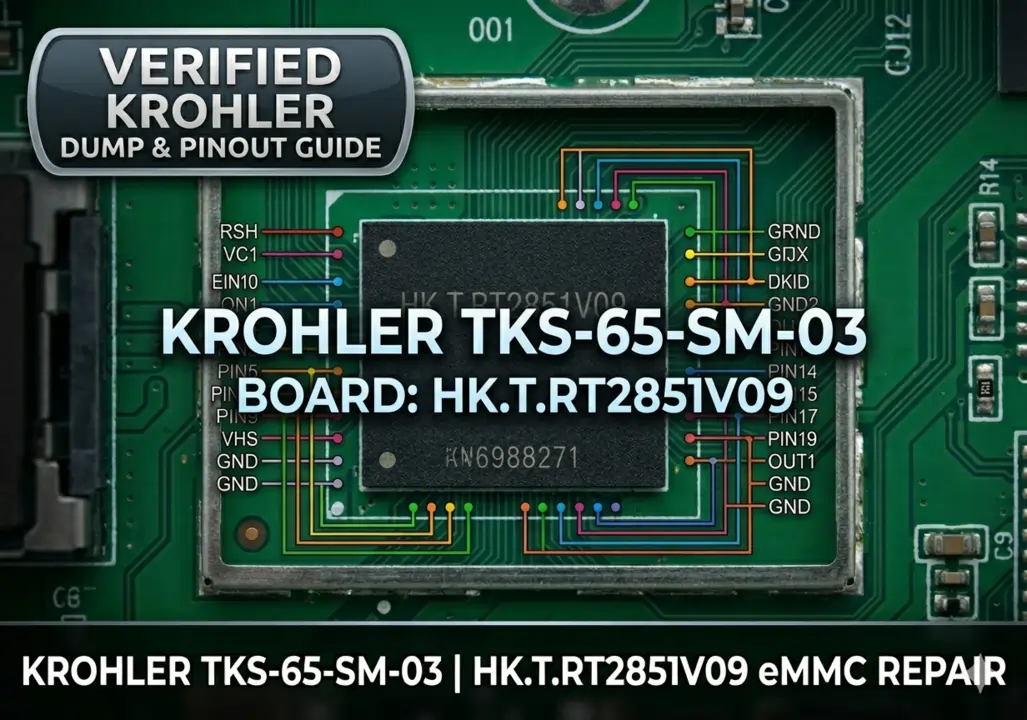
Krohler TKS-65-SM-03 Firmware Download (HK.T.RT2851V09)
Dealing with a “Red Light” or a logo freeze on your Krohler TV? This guide provides the official eMMC dump and USB recovery software for the HK.T.RT2851V09 motherboard. This specific firmware fix is essential when the system fails to boot or gets stuck in a restart cycle.
Critical Symptoms this Fix Addresses:
- Power Indicator stays Red (No Power-On)
- Stuck on the Krohler Smart TV Logo
- Infinite Restart Cycle (Bootloop)
- Device unresponsive to Remote or Buttons
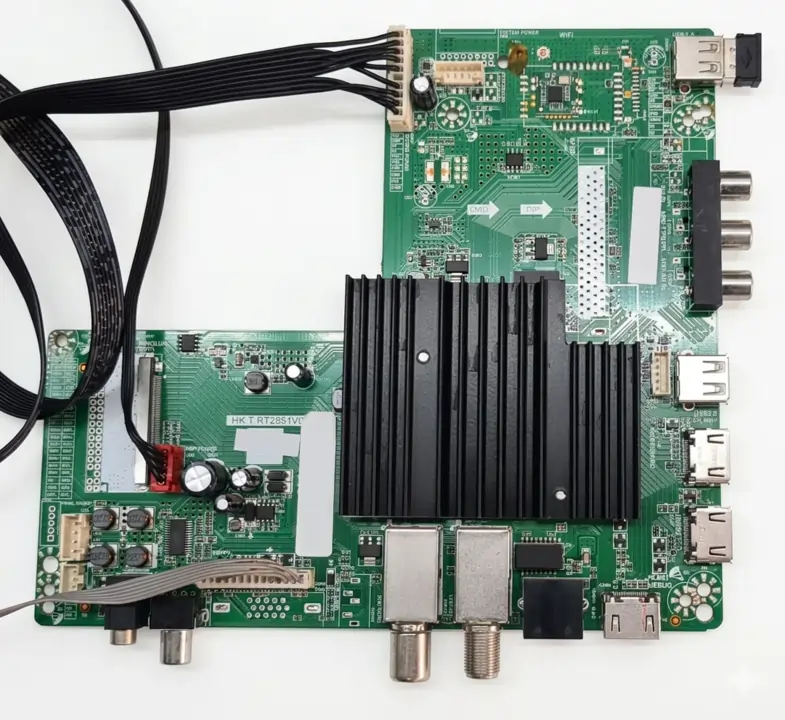 Figure 1: HK.T.RT2851V09 Main Board Layout (Click 1 to expand; Click 2 to close)
Technical Details
| Brand | Krohler |
|---|---|
| Model | TKS-65-SM-03 |
| Main Board | HK.T.RT2851V09 |
| eMMC Chip | H26M41204HPR |
| Compatibility | Samsung Remote Compatible (Post-Update) |
Step-by-Step Repair Guide
For a successful repair, follow this professional workflow:
- eMMC Programming: Use the RT809H programmer via the ISP pinout provided below.
- USB Master Update: Once the chip is flashed, the TV will boot, but you must apply the USB software update to enable full Samsung Remote Control compatibility.
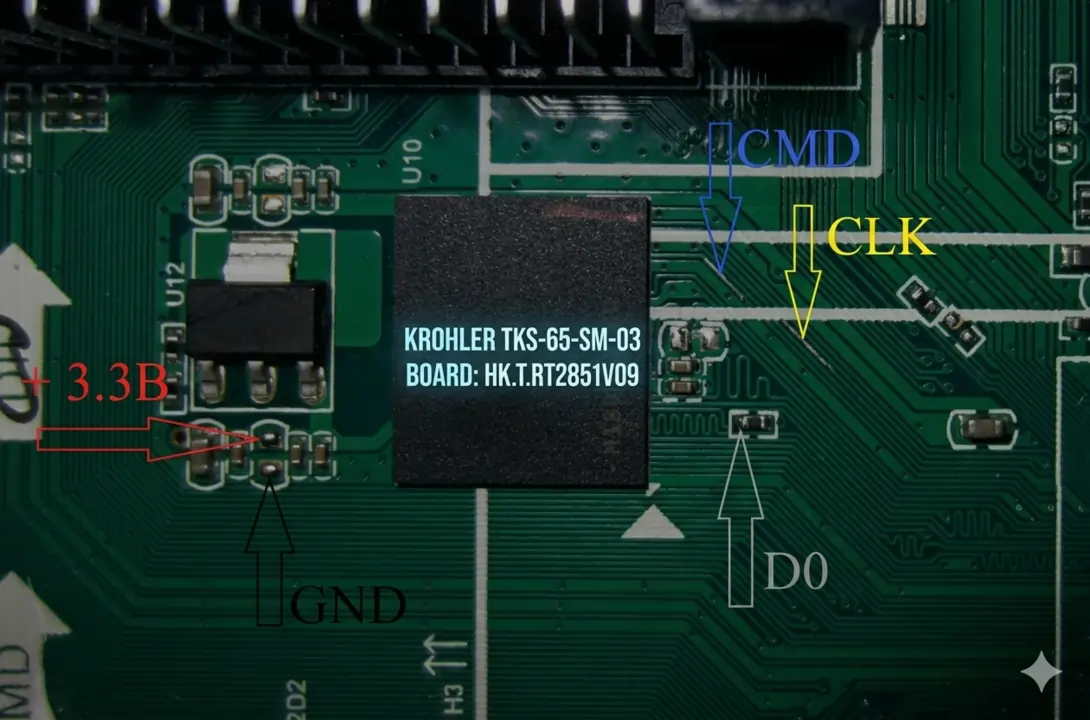 Figure 2: ISP eMMC Pinout Guide for RT809H (Click 1 to expand; Click 2 to close)
Visual Programming Tutorial
Ready to Download?
Verified Package: eMMC Dump + USB Update Software + Instructions
Step 1: Verify via Ad-Link | Step 2: High-Speed Download
Find more resources at our TV Repair Repository.