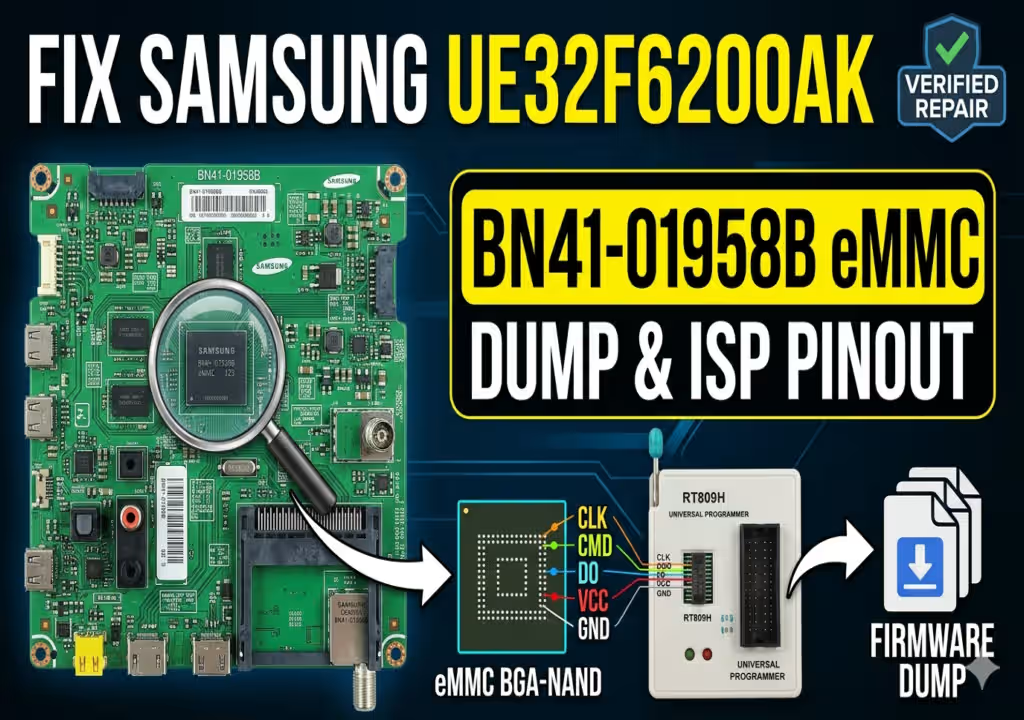
Samsung UE32F6200AK eMMC Dump (Main BN41-01958B)
Confirmed Repair Indicators:
- System remains in a constant Restart Cycle
- Standby Red LED Blinking error code
- Stuck at “Samsung Smart TV” Boot Logo
- Inability to perform standard USB Firmware updates
This technical post covers the recovery process for the BN41-01958B motherboard, which frequently suffers from KLM4G1FE3B-B001 eMMC partition corruption. When standard software resets fail, direct ISP programming with the verified dump provided below is required.
Hardware Component Inventory
| Main Board | BN41-01958B |
|---|---|
| eMMC Memory | KLM4G1FE3B-B001 (NAND-BGA) |
| EEPROM IC | IC901 (AT24C256) |
| Flash Memory | IC1304 (W25Q40CL) |
| Microcontroller | WT61P807 |
| Audio AMP | TAS 5745 |
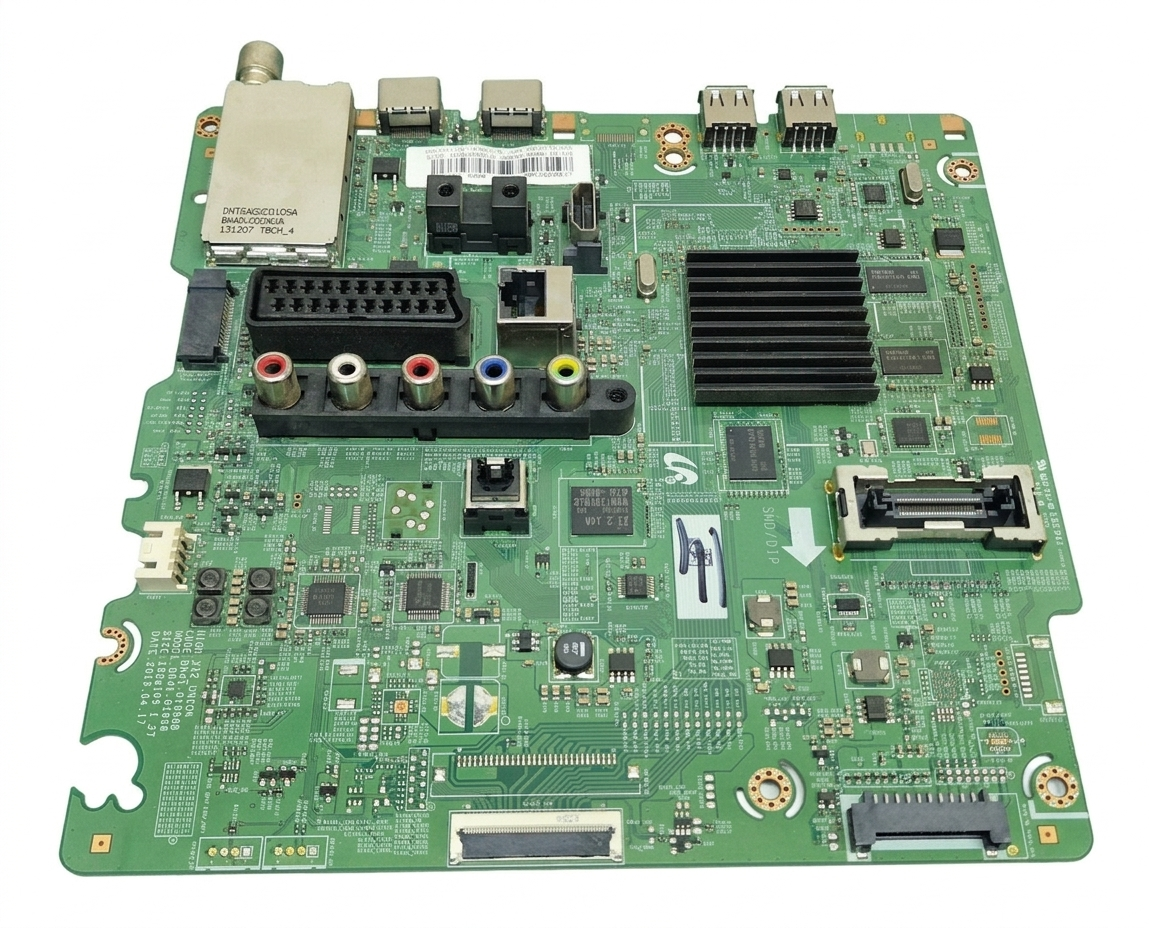
[Main Board: BN41-01958B – Click for Detail]
T-CON Specification
| T-CON Number | BN41-01938B |
|---|---|
| Controller ICs | SM4181 / LTF60B0 / RT6905 |
| EEPROM | 24C64WP |
ISP Programming Pinout
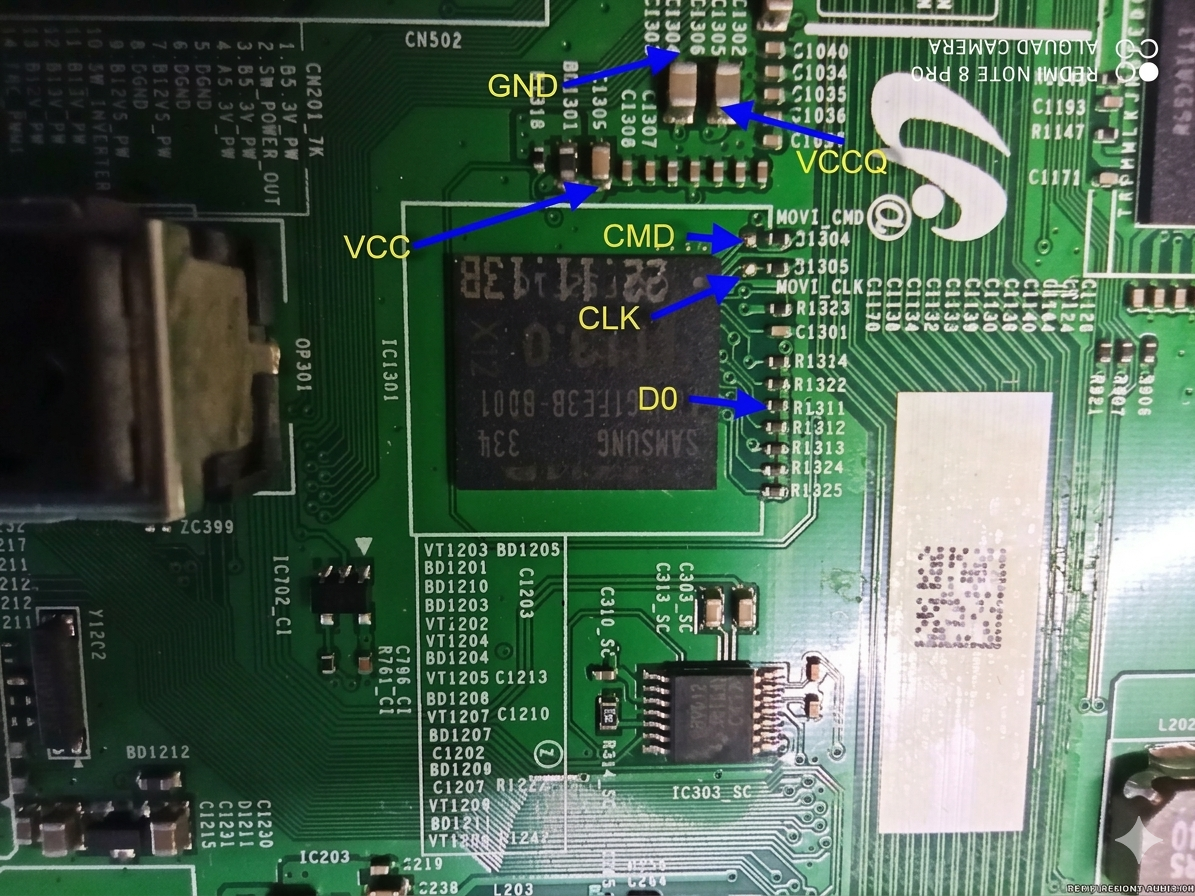
[eMMC ISP Points for RT809H – Click to Zoom]
RT809H Programming Procedure
Verified Firmware Download
Direct eMMC Dump for UE32F6200AK Series
Step 1: Verification Ad | Step 2: High-Speed Download