

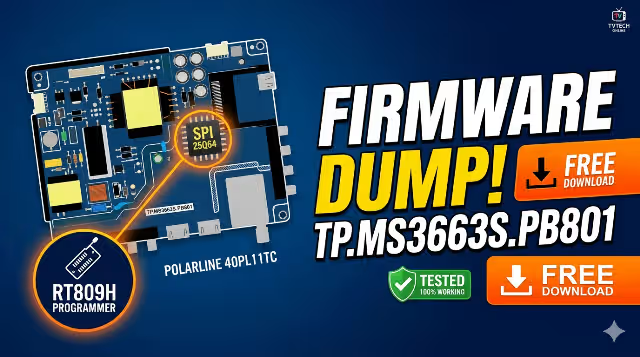
⚙ For Technician Use Only — Firmware Dump Repository
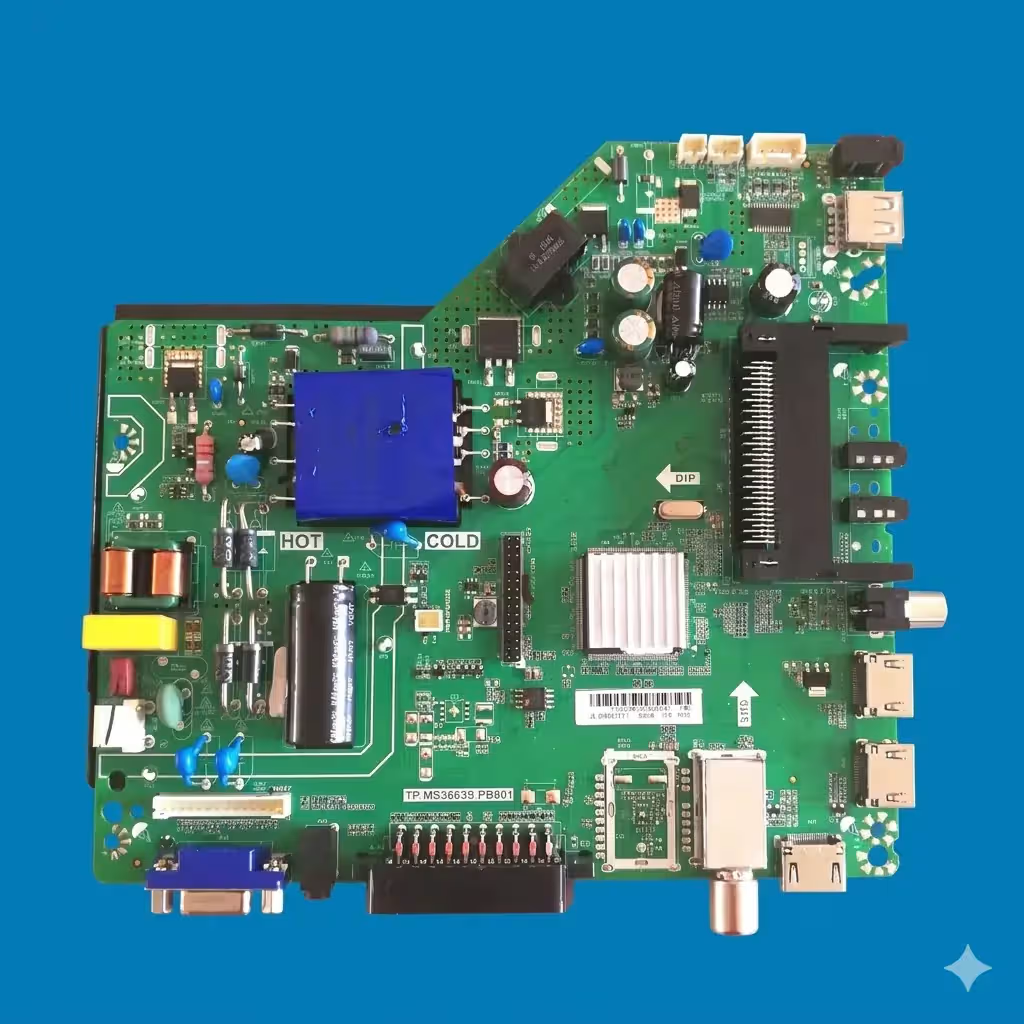
TP.MS3663S.PB801 Firmware Dump – POLARLINE 40PL11TC TV
Free download of the TP.MS3663S.PB801 firmware dump for the POLARLINE 40PL11TC TV. This firmware update is designed to repair memory issues and restore your TV to proper functioning. The dump has been read from SPI Flash 25Q64 and verified 100% working using the RT809H programmer.
Firmware Specifications
| Main Board | TP.MS3663S.PB801 |
|---|---|
| TV Model | POLARLINE 40PL11TC |
| Screen Size | 40 Inch (LED) |
| SPI Flash IC | 25Q64 (8MB) |
| Programmer | RT809H |
| Firmware Type | Full Memory Dump (.bin) |
| Firmware Status | Tested 100% Working |
| Flash Status | SPI 25Q64 — OK |
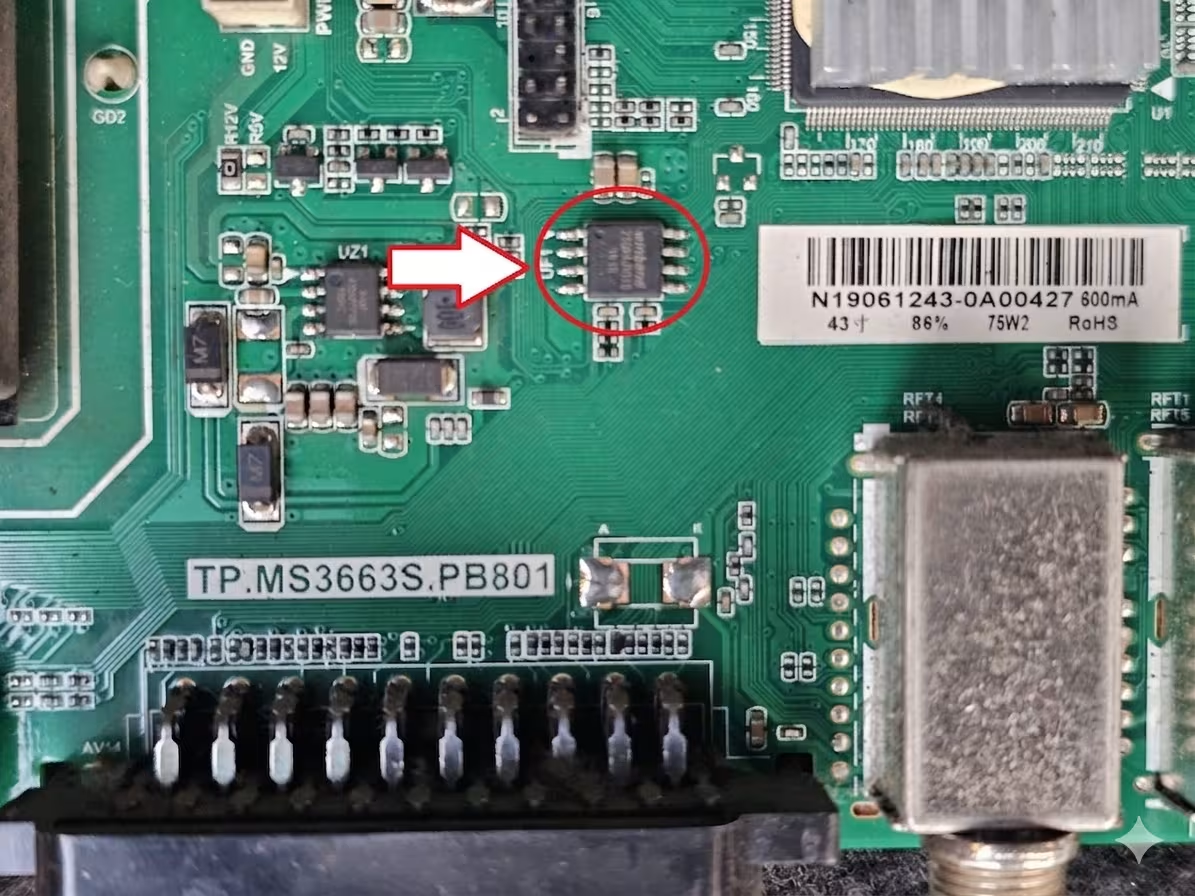
SPI Flash 25Q64 location on TP.MS3663S.PB801 main board
Common Issues for POLARLINE 40PL11TC
- No Power / Dead Set: TV does not respond to power button or remote. Standby LED is off.
- Stuck on Boot Logo: TV powers on but freezes at the POLARLINE splash screen and never reaches the home screen.
- Restart Loop: TV continuously reboots in an endless cycle without fully loading the operating system.
- No Picture / Black Screen with Sound: Audio plays normally but the display remains completely black. Backlight may or may not be active.
- No Sound / Audio Failure: Picture displays correctly but no audio output from internal speakers or headphone jack.
- Corrupted EEPROM / SPI Data: Firmware data in the 25Q64 flash IC is corrupted, causing erratic behavior or total failure to boot.
- Channel Tuning Failure: TV cannot scan, save, or recall channels after software corruption.
- OSD Menu Not Responding: On-screen display fails to appear or buttons/remote commands are not recognized.
- HDMI / AV Input Not Detected: External input sources are not recognized or display “No Signal” despite proper connections.
- Backlight Turns On Then Off: Backlight flashes briefly during startup then shuts down — often a firmware protection trigger.
Diagnostic & Repair Protocol
Pre-Repair Checks
- Visually inspect the TP.MS3663S.PB801 main board for burnt components, swollen capacitors, or cold solder joints.
- Verify power supply voltages: 5V standby, 12V main, and 3.3V logic lines must be within ±5% tolerance.
- Check the backlight driver board and LED strips for shorts or open circuits before assuming a firmware fault.
- Test the 25Q64 SPI flash IC in-circuit or remove it for standalone verification using the RT809H programmer.
Firmware Flashing Procedure
- Desolder the 25Q64 SPI flash IC from the main board using a hot-air rework station at 320–350°C.
- Place the IC into the RT809H programmer socket adapter (SOP8 to DIP8). Ensure correct pin orientation.
- Open the RT809H software, auto-detect or manually select W25Q64 from the chip library.
- Click “Erase” to perform a full chip erase. Verify the erase operation completes without errors.
- Load the downloaded .bin firmware file and click “Program” to write the data to the flash IC.
- Click “Verify” to confirm the written data matches the source file byte-for-byte.
- Resolder the flash IC back onto the main board. Inspect all 8 pins under magnification for proper solder joints.
- Reconnect all cables, power on the TV, and perform a factory reset from the service menu if required.
⚠ Warning: This firmware dump is intended for professional TV technicians only. Incorrect flashing can permanently damage your main board. Always back up the original flash data before writing new firmware. Ensure the SPI flash IC model matches exactly (25Q64). Use appropriate ESD protection throughout the repair process.
Video Tutorial
Download Firmware
TP.MS3663S.PB801 — POLARLINE 40PL11TC — SPI 25Q64
Format: .bin | Flash: 25Q64 (8MB) | Programmer: RT809H
Download Firmware
Get File Now
Click the button above to unlock the download link


