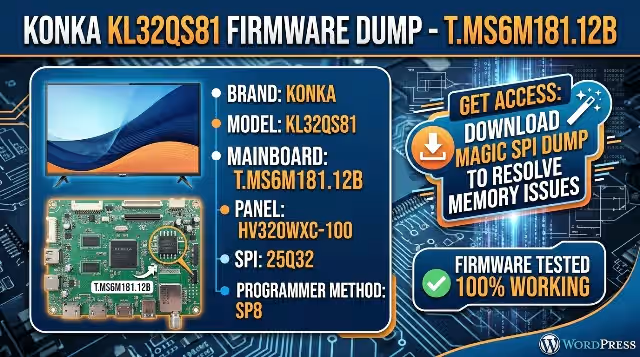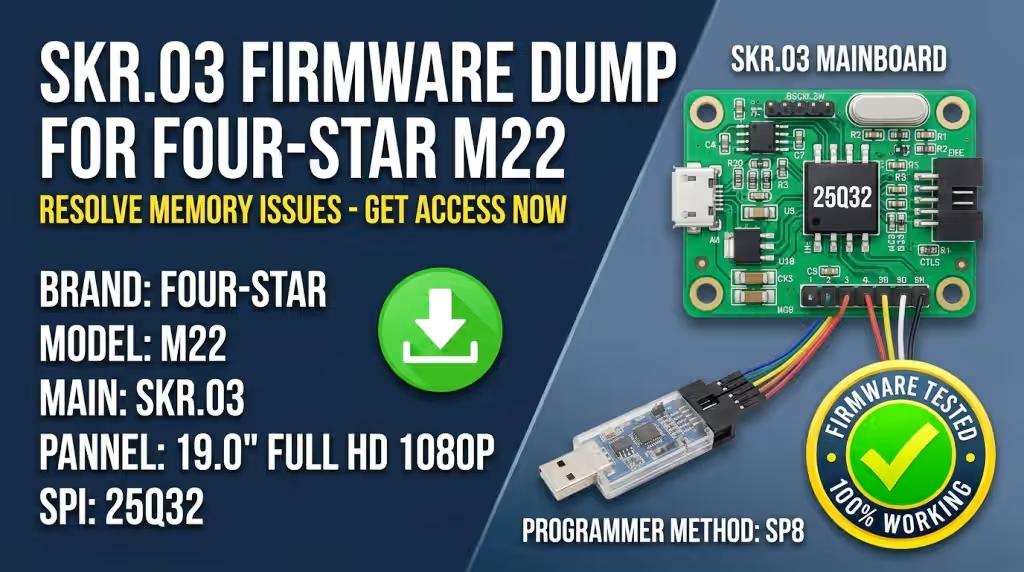


TP.MSD309.BP85 Firmware Dump – Blaupunkt 39/210I-GB-5B-FHBKUP-EU SPI Flash Download
 Click to Zoom
Firmware Overview
This page provides the tested and verified SPI memory dump for the TP.MSD309.BP85 universal main board, specifically configured for the Blaupunkt 39/210I-GB-5B-FHBKUP-EU television model. The dump targets the GD25Q32B SPI flash IC and is intended exclusively for professional TV repair technicians.
The firmware binary has been extracted directly from a fully functional unit and validated through a complete power-cycle and feature test. All HDMI ports, tuner reception, audio output, and panel timing parameters have been confirmed operational after flashing.
Hardware Specifications
| Brand | Blaupunkt |
| Model | 39/210I-GB-5B-FHBKUP-EU |
| Main Board | TP.MSD309.BP85 |
| Display Panel | V390HJ1-LE1 |
| Tuner IC | TDA18273 |
| HDMI Ports | 3 |
| Digital Audio | Coaxial |
| SPI Flash IC | GD25Q32B (32Mbit / 4MB) |
| Programmer Method | SPI8 |
| Firmware Status | Tested 100% Working |
SPI Flash IC Location
The GD25Q32B SPI flash memory is located on the main board as shown below. Use a SPI8 programmer clip or desolder the IC for programming. Ensure correct orientation of pin 1 during reinsertion.
 SPI IC – GD25Q32B
Known Issues – Blaupunkt 39/210I-GB-5B-FHBKUP-EU
The following symptoms have been documented on units with the TP.MSD309.BP85 board. All listed issues are resolved by reflashing the SPI memory with a verified dump file:
- TV stuck on Blaupunkt logo – boot loop, never reaches home screen
- Black screen with backlight ON – panel powered but no OSD or image
- Repeated automatic reboot cycle every 5–10 seconds
- No signal on all HDMI inputs despite functional source devices
- Audio output failure – no sound from speakers or coaxial digital out
- OSD menu corruption – garbled text, missing menu items, frozen interface
- Tuner not detecting channels – TDA18273 initialization failure due to corrupt firmware
- EEPROM data corruption causing wrong panel voltage or backlight current settings
- TV powers on briefly then shuts down – software-triggered protection mode
Diagnostic and Repair Protocol
Follow this step-by-step procedure to diagnose and repair the TP.MSD309.BP85 board using the SPI dump file. This protocol assumes you have basic electronics repair experience and proper ESD protection.
Required Equipment
- SPI programmer (CH341A, RT809F, RT809H, or equivalent)
- SOP8 test clip or soldering station for IC removal
- PC with programmer software installed
- Multimeter for voltage verification
- Anti-static wrist strap and ESD-safe workspace
Flashing Procedure
- Power Safety – Disconnect the TV from mains power. Discharge all capacitors by pressing the power button for 10 seconds. Wait a minimum of 2 minutes before handling the PCB.
- Access the Main Board – Remove the rear panel screws and carefully separate the back cover. Locate the TP.MSD309.BP85 main board and identify the GD25Q32B SPI flash IC near the main processor.
- Connect Programmer – Attach the SOP8 clip to the GD25Q32B IC. Ensure pin 1 alignment matches between the clip and IC. If using in-circuit programming, disconnect all flat cables from the board first.
- Read and Backup – Open your programmer software. Detect the chip (GD25Q32B, 32Mbit). Perform a full read of the existing firmware and save it as a backup file before making any changes.
- Erase the Chip – Execute a full chip erase command. Verify the erase operation completed successfully with a blank check.
- Write the Dump – Load the downloaded TP.MSD309.BP85 firmware dump file. Write the binary to the GD25Q32B chip. The write process takes approximately 60–90 seconds.
- Verify the Flash – Run a verify operation to compare the written data against the source file. The verification must show 100% match with zero errors.
- Reassemble and Test – Disconnect the programmer, reconnect all flat cables, reassemble the TV. Power on and verify: boot sequence, OSD menu, all 3 HDMI ports, tuner channel scan, coaxial audio output, and panel display quality.
Repair Video Guide
Download Firmware Dump
File: TP.MSD309.BP85 – GD25Q32B SPI Dump (4MB) – Programmer Method: SPI8
For technician use only. By downloading you accept responsibility for correct application.