
17MB82-2 Firmware Dump
Nevir NVR-7400-32-HD-N
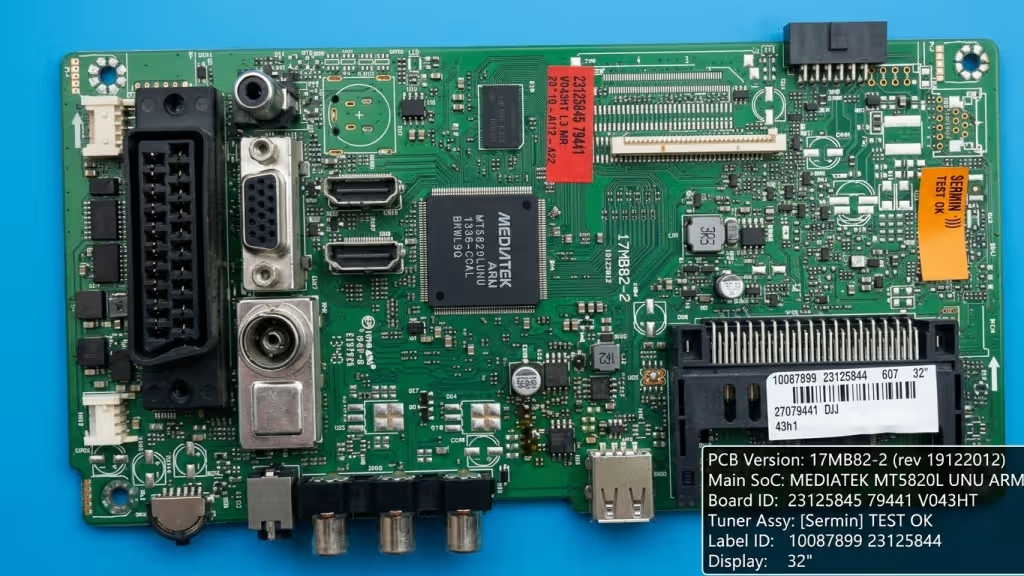
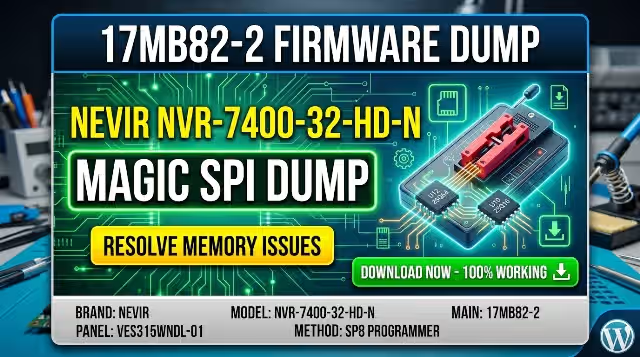
17MB82-2 Mainboard — Nevir NVR-7400-32-HD-N (Click image to zoom)
Overview
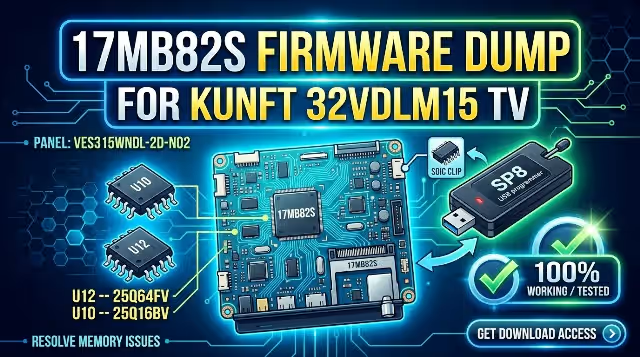
This page provides a verified and tested SPI firmware dump for the Nevir NVR-7400-32-HD-N television equipped with the 17MB82-2 mainboard. The dump file targets the memory chips at positions U12 (25Q64FV) and U10 (25Q16BV), enabling technicians to resolve critical memory corruption issues, boot failures, and dead-set conditions using an SP8 universal programmer.
Firmware Specifications
| Brand | Nevir |
|---|---|
| Model | NVR-7400-32-HD-N |
| Mainboard | 17MB82-2 |
| Panel | VES315WNDL-01 |
| SPI Chip U12 | 25Q64FV (64Mbit) |
| SPI Chip U10 | 25Q16BV (16Mbit) |
| Programmer | SP8 Universal Programmer |
| File Format | BIN (Raw Flash Dump) |
| Status | Tested 100% Working |
Common Issues This Dump Resolves
- Dead TV — no power LED indicator, no standby response
- Stuck on boot logo — infinite restart loop, never reaches main menu
- Backlight active but no picture — blank screen with audio or no audio
- EEPROM corruption — erratic behavior, random settings reset
- Channel memory loss after every power cycle
- OSD menu freeze or partial display corruption
- No signal on all inputs despite functional tuner hardware
- Firmware update failure — bricked after interrupted software upgrade
SPI Chip Locations
Below is the SPI chip location index on the 17MB82-2 mainboard. Identify U12 and U10 positions before desoldering for programmer access.
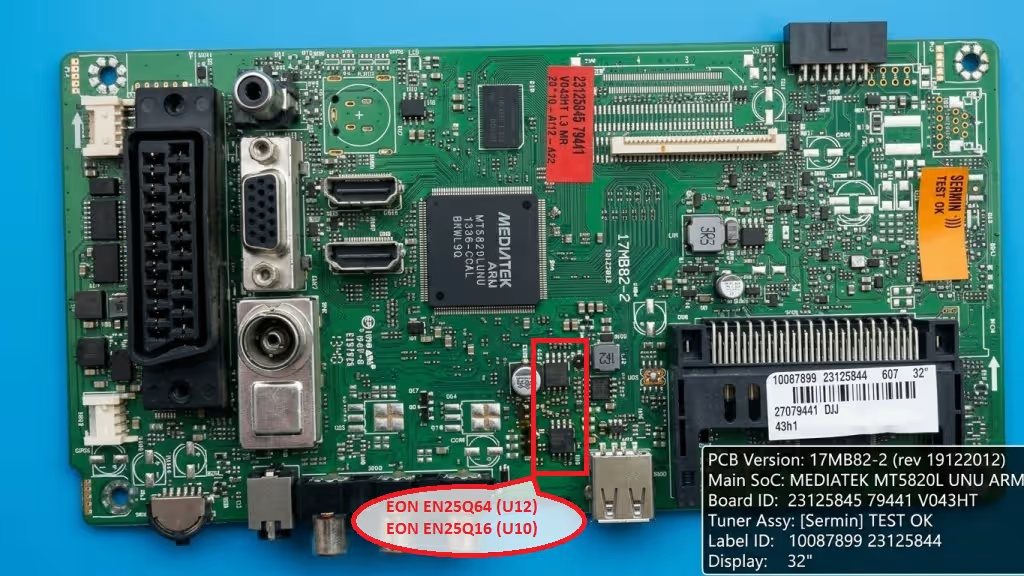
SPI Chip Location Index — U12 & U10 positions on 17MB82-2 (Click to zoom)
Diagnostic & Repair Protocol
- Visual Inspection — Examine the 17MB82-2 mainboard for burnt components, swollen capacitors, cracked solder joints, or physical damage near U12 and U10 areas.
- Power Supply Verification — Confirm all voltage rails output correct values: 5V standby, 12V main, 3.3V logic. Use a multimeter at designated test points before proceeding.
- Desolder SPI Chips — Using a hot-air rework station at 350-380 degrees Celsius, carefully remove the 25Q64FV (U12) and 25Q16BV (U10) chips. Apply flux generously to prevent pad damage.
- Read Original Data — Place each chip on the SP8 programmer adapter. Attempt to read existing data and save as backup. Verify chip ID is correctly detected by the programmer software.
- Erase Chips — Perform a full erase cycle on both SPI chips. Verify blank check passes before writing new data to prevent write errors.
- Flash Firmware Dump — Load the downloaded BIN file into SP8 software. Write the firmware to the corresponding chip. Always match the correct file to the correct chip position (U12 or U10).
- Verify Write — After flashing, run a verify operation to compare written data against the source file. A 100% match confirms successful programming.
- Resolder Chips — Carefully solder each chip back to its original position on the 17MB82-2 board. Ensure correct pin 1 orientation. Clean flux residue with IPA.
- Test & Calibrate — Reconnect the mainboard to the panel (VES315WNDL-01), power supply, and backlight driver. Power on and verify boot sequence, OSD menu access, channel scan, and all input ports function correctly.
Video Repair Guide
Watch: Step-by-step SPI flash repair procedure for 17MB82-2
Download SPI Firmware Dump
17MB82-2 • Nevir NVR-7400-32-HD-N • Verified BIN File
Click Step 1 to unlock the download link