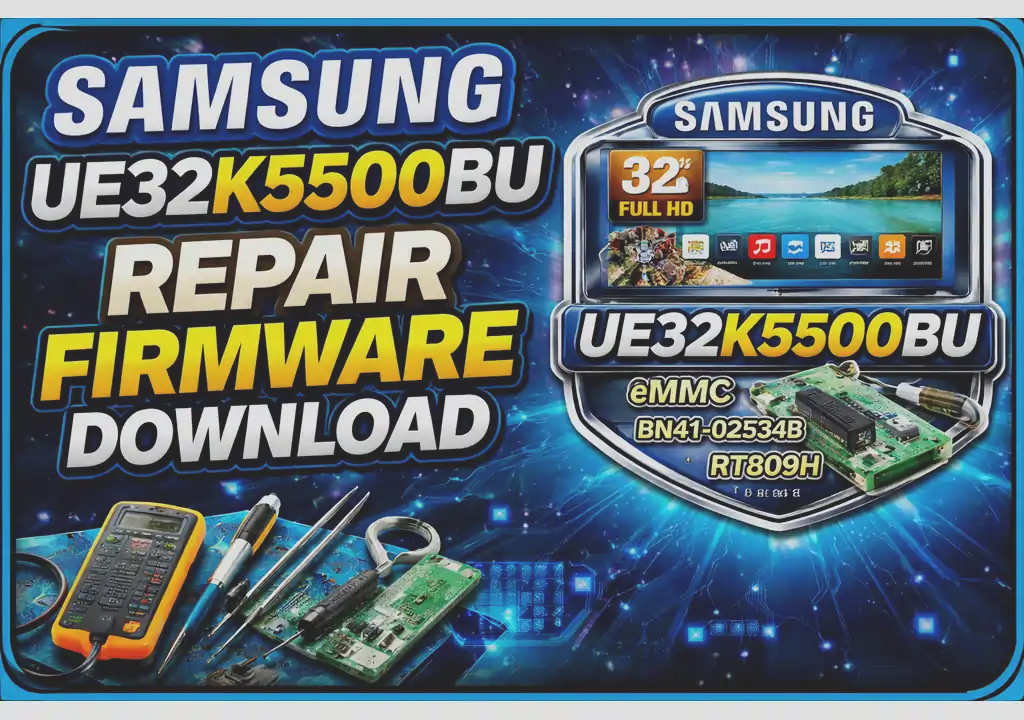
Samsung UE32K5500BU EMMC Dump (BN41-02534B)
If you’re experiencing issues with your Samsung UE32K5500BU Smart TV and suspect EMMC memory corruption, you’ve come to the right place. We provide a reliable, tested repair firmware file compatible with the BN41-02534B mainboard and CY-KK032BGAV1V panel.
- Stuck on the boot logo
- No signal despite working backlight
- Dead after software update
- Constant rebooting (Boot Loop)
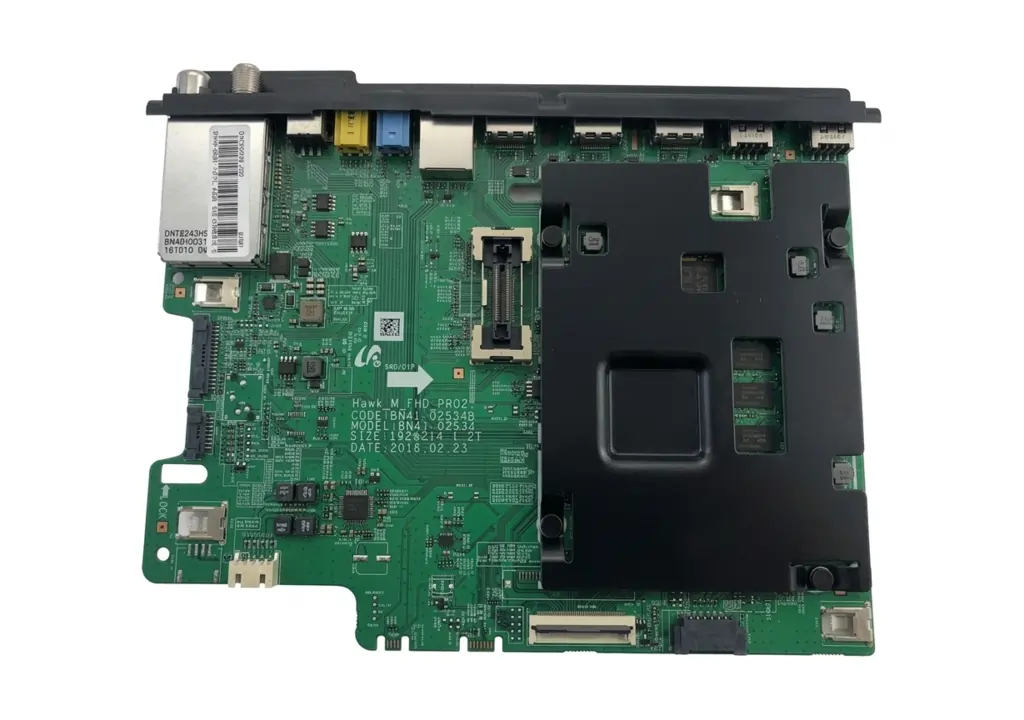
[Main Board: BN41-02534B – Click to Zoom]
TV Characteristics & Specifications
| Mark / Brand | Samsung / TV |
|---|---|
| Model | UE32K5500BU |
| Main Board | BN41-02534B |
| Panel Model | CY-KK032BGAV1V |
| Resolution | Full HD (1920×1080) |
| Operating System | Tizen OS |
| Firmware Type | Backup eMMC Firmware |
| Repair Tool | RT809H Programmer |
RT809H Programming Illustration
Technical Deep Dive
About the Mainboard BN41-02534B
The BN41-02534B is a common mainboard used in several Samsung models. It’s known for its compatibility with the Tizen OS and support for Full HD video decoding. Reprogramming the eMMC with a verified firmware file using a tool like the RT809H is a proven solution when USB recovery fails.
Panel CY-KK032BGAV1V
This 32-inch panel supports a Full HD resolution of 1920×1080. Ensuring the firmware matches the panel type is critical to avoid display mismatches or inverted images.
ISP Pinout Diagram
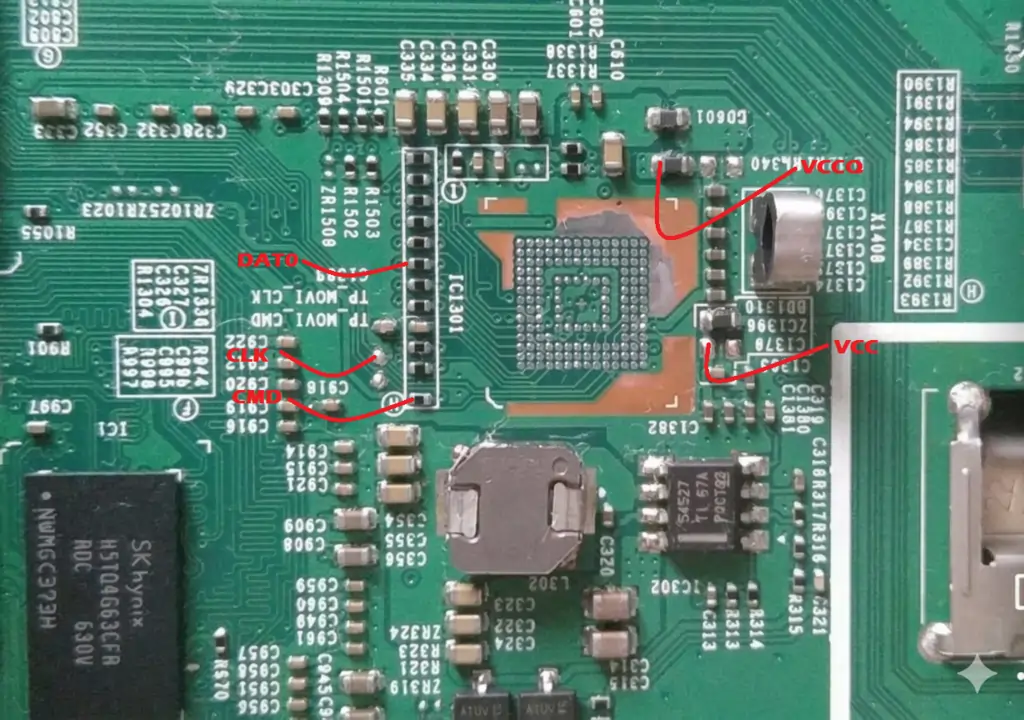
[ISP Pinout for BN41-02534B – Click to Zoom]
Step-by-Step Repair Process
- Disassemble the TV and identify the mainboard (BN41-02534B).
- Connect the RT809H programmer to the eMMC chip via ISP pinout.
- Download the firmware file (link provided below).
- Load firmware into RT809H software and write to the chip.
- Reassemble and power on the TV.
Download Repair Firmware
✅ Tested firmware for Samsung UE32K5500BU (Verified Dump)
1st click opens verify link, 2nd click starts download.
Technician Notes
Important: Always create a backup of your original dump before flashing. This firmware is strictly for the UE32K5500BU model. Flashing incompatible firmware may brick your device.