

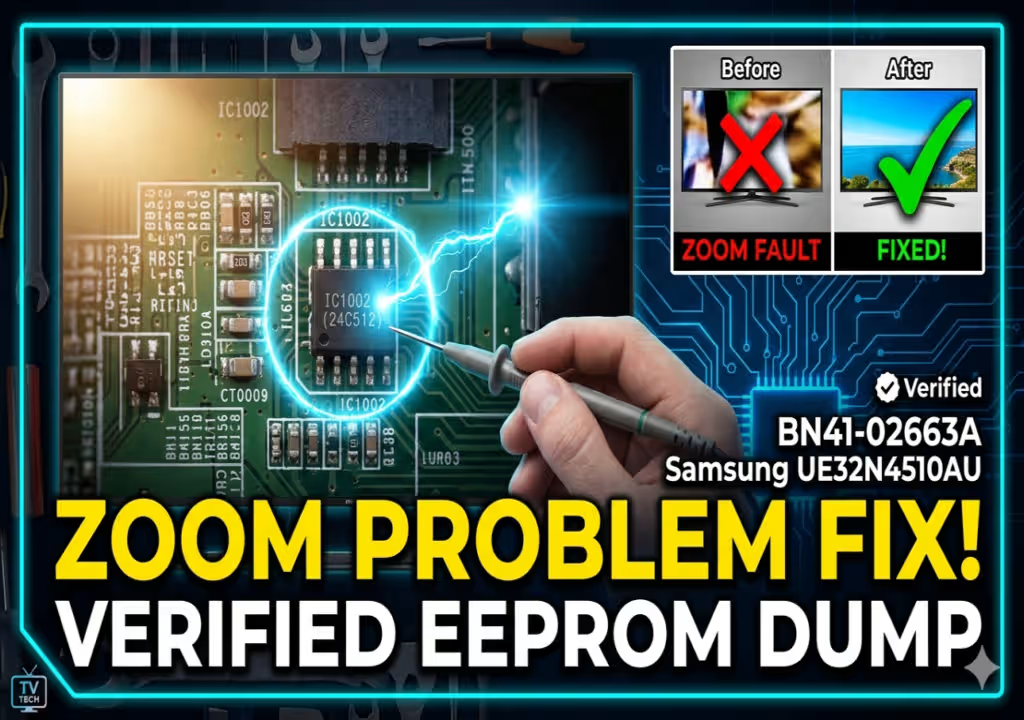
Samsung UE32N4510AU EEPROM Dump (BN41-02663A) for Screen Zoom Problem
This guide provides essential technical information and a direct download link for the BN41-02663A Samsung UE32N4510AU EEPROM dump (specifically for the 24C512 IC1002). This firmware is crucial for addressing the common ‘screen zoom problem’ on this TV model when standard software resets fail.
- The TV is fully functional but exhibits a persistent screen zoom problem (wrong aspect ratio), where parts of the image are cut off.
- This is a service mode setting fault that occurs after normal operation.
- A standard factory reset from the user menu cannot resolve this specific issue.
- The only effective solution is to reprogram the specific EEPROM chip responsible for display and service mode parameters.
This technical resource provides the verified EEPROM firmware for the BN41-02663A motherboard. When service mode settings become corrupted and manual resets fail, flashing the physical EEPROM chip is the definitive solution to restore original factory display parameters.
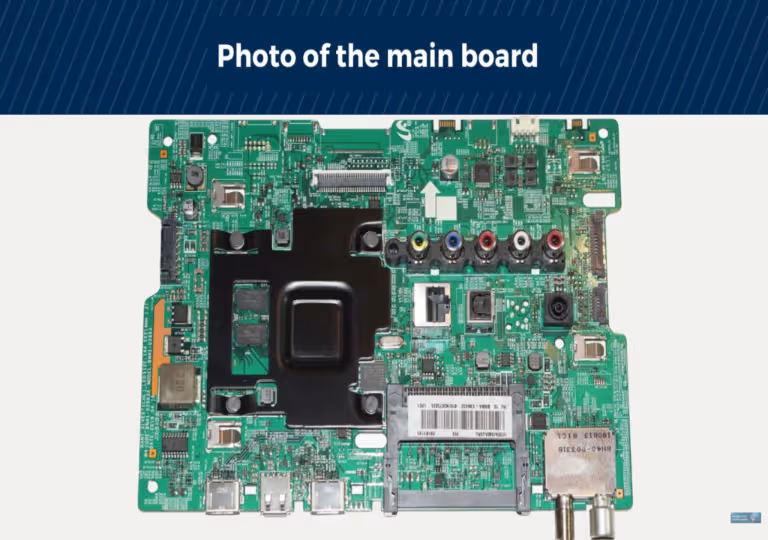
[Main Board: BN41-02663A – Click to Zoom]
Technical Guide Video: How to Flash a TV EEPROM
Hardware Specifications for Verified Firmware
| Brand | Samsung |
|---|---|
| Model | UE32N4510AU |
| Main Board | BN41-02663A |
| Panel | CY-JN032AGLR4V |
| EEPROM IC | IC1002 (24C512) |
EEPROM Location Diagram: IC1002 (24C512)
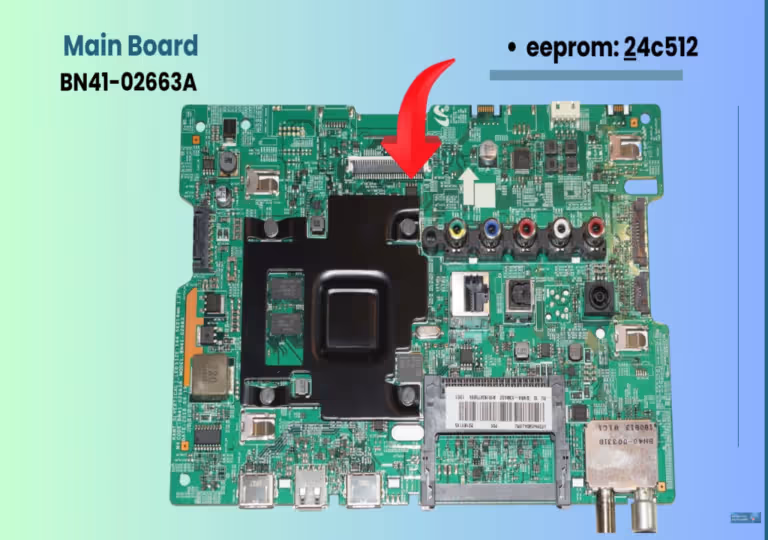
[EEPROM IC1002 Location on BN41-02663A – Click to Zoom]
Reprogramming the IC1002 (24C512) EEPROM requires a dedicated programmer that supports the 24 series I2C protocols. This solution ensures that the TV’s service data and panel settings are reset to their correct factory-configured values, permanently eliminating the screen zoom problem. We highly recommend verifying the exact hardware versions listed above before flashing the firmware.
Download Repair Firmware
1st click opens verify link, 2nd click starts download.
Technician Activity Log
This firmware was successfully tested on a Samsung UE32N4510AU with a persistent screen zoom problem. Standard service resets and user menu resets failed. Reprogramming the 24C512 EEPROM at IC1002 with this direct dump restored the correct aspect ratio and resolved all issues. Confirmed hardware match with BN41-02663A and CY-JN032AGLR4V panel.


