

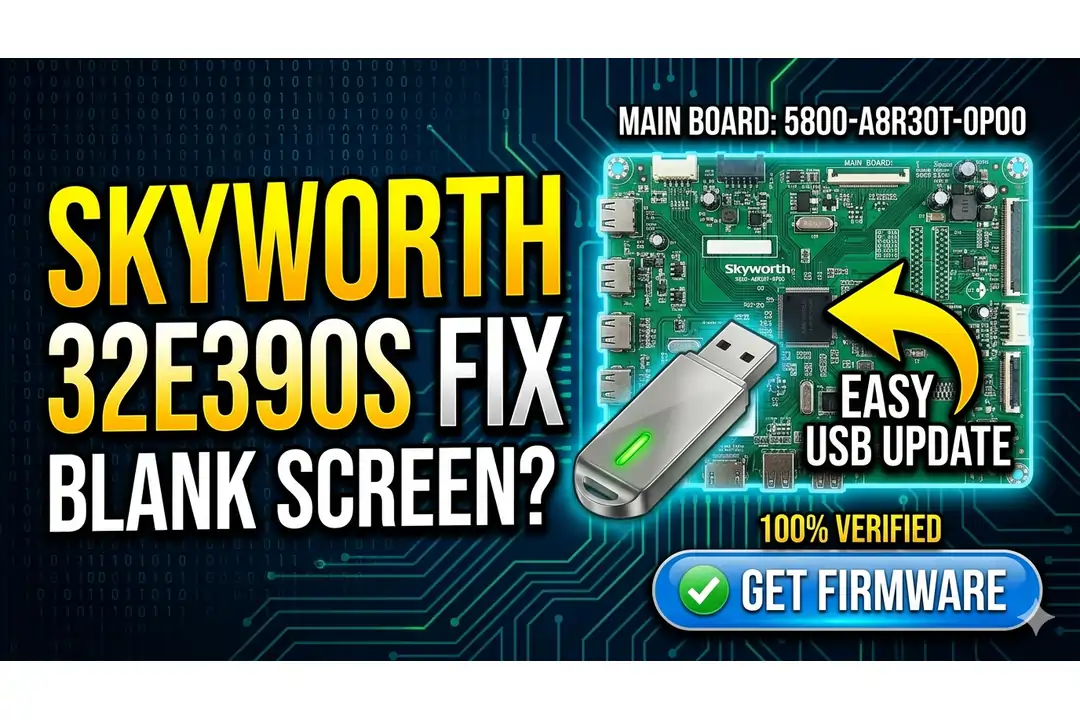
Skyworth 32E390S Firmware (5800-A8R30T-0P00)
Professional USB firmware solution for Skyworth LED TVs. This verified software is designed specifically for the 5800-A8R30T-0P00 main board to resolve common memory corruption and blank screen issues.
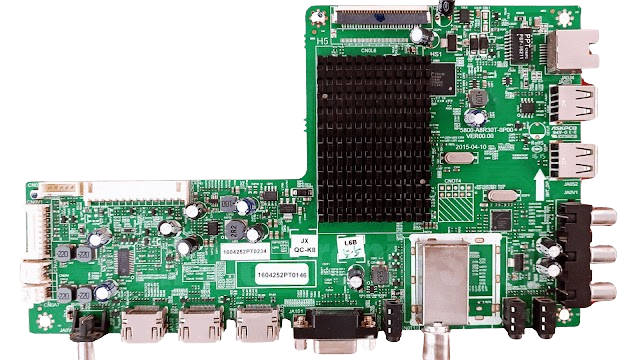
[Main Board Reference – Click to Zoom]
Technical Details
Is your Skyworth 32E390S displaying a blank screen? Our expert team has meticulously tested this firmware to ensure it works flawlessly on the 5800-A8R30T-0P00 main board with the 32″ HD panel. This is the most cost-effective way to extend your television’s lifespan.
Specifications
| Board Number | 5800-A8R30T-0P00 |
|---|---|
| Model | Skyworth 32E390S |
| Panel | 32-inch HD |
| Update Method | Simple USB Update |
Repair Procedure
Restore your television to pristine condition by downloading the firmware and following these steps:
1. Format a USB drive to FAT32. 2. Copy the firmware files to the root directory. 3. Insert the USB into the TV. 4. Keep Pressing the Standby/Power button. 5. Power on the board Wait until the red light starts flashing.Download Firmware
1st click opens ads, 2nd click starts download.
Technician Activity Log
Firmware verified on Skyworth 32E390S. USB flashing successful, solved blank screen issue.
Matches 5800-A8R30T-0P00 perfectly. Stutter-free viewing restored.
+ Add Your Repair Result in the comment.


